














IT Support & Laptop/Desktop Repair
Meet PC Fix Onsite — trusted LapTop/DeskTop computer repair and IT support in London. Friendly, transparent service in-store, onsite, or remote.
Free Collection & Delivery
Central London, same day
No Fix, No Fee
Pay only if we sort it
12-Month Warranty Parts & labour, in writing
Walk-Ins Welcome Open 24/7 · No appointment
Our Services
Laptop/Desktop/All In One PC Repair & Services, IT Support
Professional repair and IT support for homes and businesses across Central London.
Expert technicians, fast service, affordable prices.
Screen replacements
Cracked, flickering, or black-screen displays swapped out in under 45 minutes for most laptops.
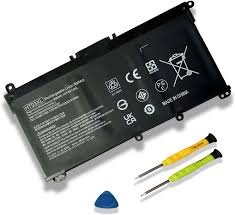
Battery changes
Bloated, dying, or won’t-charge batteries replaced with genuine cells. Full-day capacity restored.
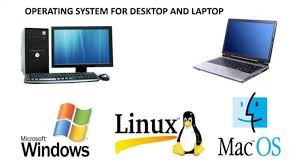
Software & OS issues
Windows / macOS won’t boot, slow performance, virus removal, account recovery — sorted on the spot.
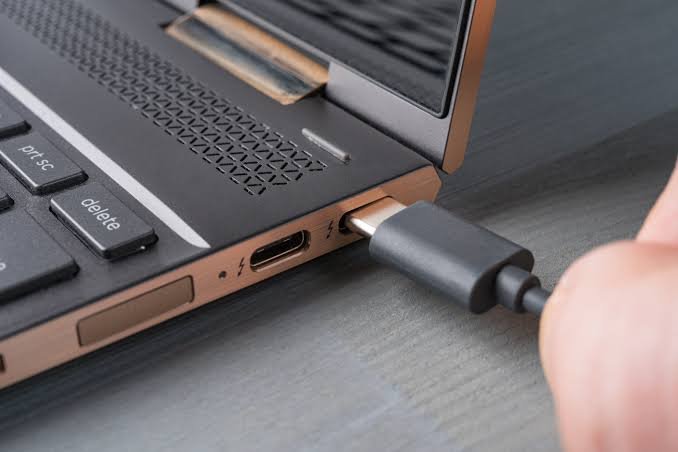
Charging port fixes
Loose, snapped, or burned-out USB-C / DC jacks rebuilt with new components. Power restored.
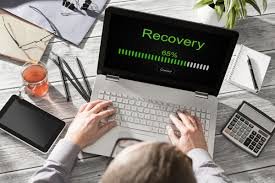
Data recovery & transfer
Files, photos, and credentials migrated between devices safely. Failed drives recovered where possible.
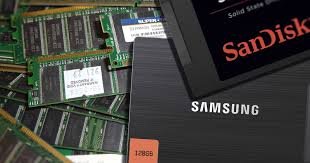
SSD & RAM upgrades
Boost performance same-day. New SSD installed with full data clone, RAM upgraded to spec.
Compatible Brands
Every brand, every model
How It Works
Four steps. Same day. Done.
No appointment, no callbacks, no waiting around for an estimate.
Walk in or call
Pop into 302 High Road Leyton London E10 5PW, call +44 7387 116540, or send a message on WhatsApp.
Free diagnosis
Our techs assess your device on the spot. Honest answer in 10 minutes — no fee if we can’t fix it.
Same-day fix
Pop into 302 High Road Leyton London E10 5PW, call +44 7387 116540, or send a message on WhatsApp.
Walk in or call
Pop into 302 High Road Leyton London E10 5PW, call +44 7387 116540, or send a message on WhatsApp.
Real Customer Reviews
4.9
Based on 77 verified Google reviews
Common Questions
Frequently asked questions
My laptop won’t turn on. Can you fix it?
In most cases, yes. Common causes include a dead battery, faulty charging port, broken DC jack, or motherboard failure. We will diagnose the exact cause before quoting you.
How long will my repair take?
Simple repairs (OS install, RAM upgrade) take 1-2 hours. Liquid damage, motherboard repairs, or screen replacements typically take 2-5 business days depending on part availability.
What does "no fix, no fee" actually mean?
Exactly that. If we can’t fix your device, you pay nothing — not even for the diagnostic, the collection, or the delivery back. The only time you pay is if we successfully solve the problem and you approve the quoted price first.
Will I lose my photos/files during repair or OS installation?
There is always a risk of data loss during any repair or OS install. We strongly recommend you back up your data before bringing in your device. While we take precautions, we are not responsible for lost data. We can back up your data for an additional fee if you request it.
OS Installation (Windows / Linux / Mac)
Do you provide the Windows license key, or do I need my own?
A: We can install Windows for you, but you must provide a valid license key (or we can sell you a genuine key at market price). We do not use cracked or unauthorized software. Without a key, we can install Windows in “unactivated” mode.
Can you install Mac OS (macOS) on my PC laptop?
No. Apple’s licensing agreement only allows macOS to run on Apple hardware (MacBooks, iMacs). However, we can install Linux (Ubuntu/Mint) as a free alternative.
Do you repair liquid-damaged (spilled drink) laptops?
Yes, but success is not guaranteed. We perform an ultrasonic cleaning of the motherboard. Turnaround is longer (up to 1 week), and we charge a non-refundable assessment fee for liquid damage due to the complexity.
Can you upgrade my desktop/laptop (RAM, SSD, GPU)?
For desktops: Yes, easily. For laptops: Only RAM and storage (SSD) are usually upgradeable. Most modern laptops have soldered RAM that cannot be upgraded. Bring it in, and we will tell you what is possible.
My computer is slow after OS installation. Why?
Post-install, you may need to install missing drivers (WiFi, graphics, audio) and Windows updates. We include basic driver installation with the service. If it is still slow, it may be a failing hard drive (HDD) – we recommend upgrading to an SSD.
Do you offer a warranty on repairs?
es. We offer a [5]-day / [1]-month warranty on all repair labor. Parts replaced (like screens, fans, keyboards) carry a separate manufacturer warranty (usually 30-90 days).
Don't wait days — get it sorted today.
Walk in, call free, or book a collection.
Tell us what's broken — we'll quote in minutes.
Fill in the form and one of our techs will get back to you within 30 minutes (much faster during the day). Or skip the form and reach us directly: